
See it and use it
Its screen, live, with your keyboard and mouse — or a finger on a phone, working like a trackpad.
 Union
Union
Union shows you the screen of your Mac — and soon your PC — on another computer or in any browser, and lets you use it: keyboard, mouse, sound, clipboard and files. Straight across your own network at home, and over the internet when you’re away.
Windows is coming soon.
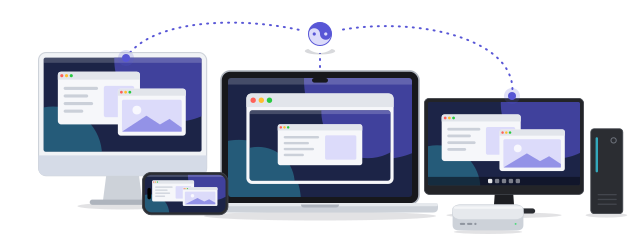
Its screen, live, with your keyboard and mouse — or a finger on a phone, working like a trackpad.

Show the whole screen, one app or one window, and switch while you watch. Several machines, or several windows of one, side by side.

The machine’s sound comes along with its picture.

One clipboard across your machines — and the recent ones of another machine, a click away.
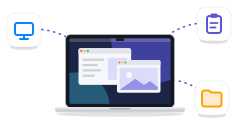
Send files, browse another machine’s folders and take what you need — or right-click a file in Finder to send it to whoever is using your Mac.
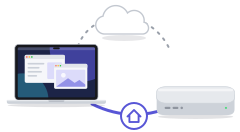
Directly across your own network when you’re home. Over the internet when you’re not — through a relay when nothing else gets through.

A Mac asleep at home can be woken from another machine on the same network, or through one that is.

Your machines find each other through your account and no one else’s. Over the internet, connections are encrypted end to end, and what you see and send goes between your machines — it is not stored on our servers.

Apple silicon, macOS 13 Ventura or later.
Download for MacSigned and notarized by Apple. Open the zip, move Union to Applications, and open it.

Coming soon.

Any modern browser, on a computer, an iPhone or an iPad.
Open app.unionlink.appNothing to install: sign in and pick a machine to see and use.
Coming later.